
How to View a Private Twitter Account the Legit Way
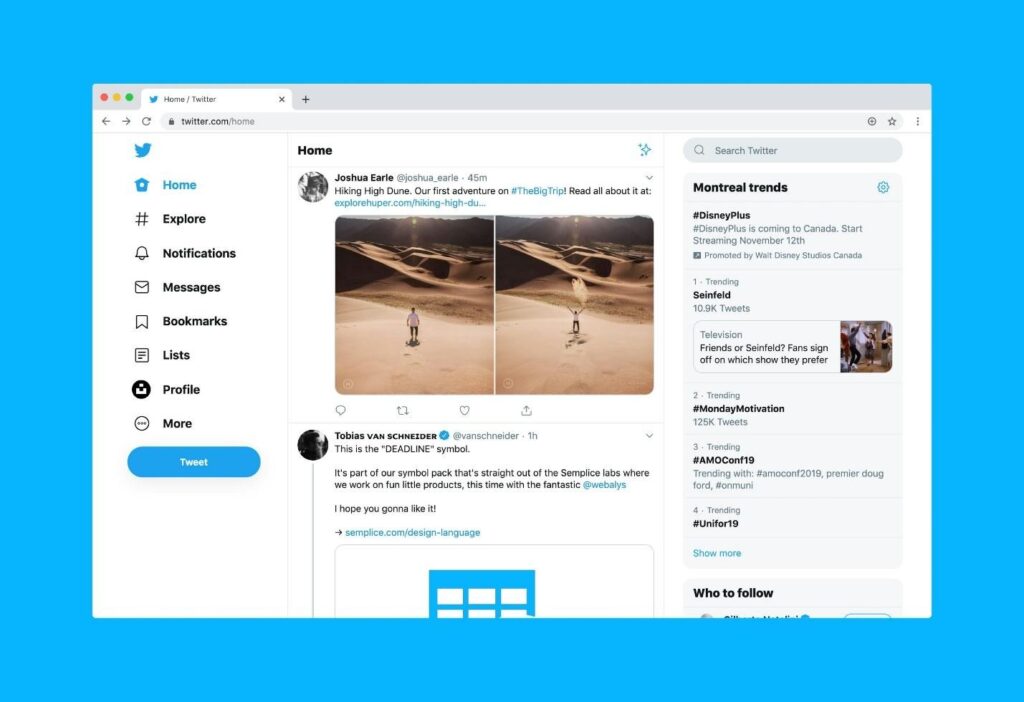
People search “how to view a private Twitter account” when they want context fast, or they feel unsure and want to confirm something. The problem is that this phrase also pulls in scammy “viewer” pages.
This is not about bypassing privacy. It’s about the legit path that can work, plus the shortcuts that usually end with a fake login screen, a sketchy download, or wasted time.
What “Private” Means on Twitter (Protected Posts)?
On X (Twitter), “private” usually means the account has protected posts. With protected posts, the timeline is visible only to approved followers. X also notes that protected posts won’t appear in third-party search engines, and reposting is limited for followers.
That matters because it explains why “instant access” claims don’t line up with how the platform is designed. Protected means strangers can’t browse the timeline like a public profile.
The Only Real Route to Access

There is one route that is legitimate because it respects how protected posts work. It depends on the account owner approving the request.
Before the steps, one small thing helps a lot: look like a real person. A profile photo, a short bio, and a few normal posts make your request feel less random.
Sending A Follow Request with A Clear Purpose
Send a follow request and keep the “why” simple. One line is enough. Examples: “I’m following because I liked your thread on hiring,” or “We met at the meetup last week.”
Protected accounts receive follow requests and can approve or deny them.
What Approval Changes and What It Doesn’t
If they approve you, you can view their protected posts as a follower. That’s the point of approval.
Approval does not mean permanent access. They can remove followers later, block, or switch settings again. If you get approved, treat it like being invited into someone’s space. Save the screenshots, gossip, and “send me everything” energy for never.
Also, public pressure rarely helps. X notes that when posts are protected, only approved followers can see replies or mentions from that account. So, tagging them repeatedly can be useless and can make you look pushy.
What To Do If Your Request Stays Pending
Pending is common. People miss notifications. Some approve requests in batches. Some don’t approve strangers at all.
Don’t keep re-sending. That can look like spam. If you want to improve your odds, tidy your profile and wait. If you’re following tons of accounts quickly, X may also limit following behavior to reduce spam.
If you need context while you wait, use what is already public: their bio links, public profiles on other platforms, or a website they list. If there is no public contact and no approval, that’s a boundary.
The Shortcut Trap (Why It’s Not Worth It)

Most “viewer” pages follow the same script: a search box, a promise, then “verification,” then a login prompt, install prompt, or payment screen.
The bigger risk is credential theft. Phishing pages are built to look real and rush you into typing passwords. The FTC warns people to be cautious with unexpected links and login prompts that ask for personal information.
Common shortcut bait looks like this.
- A “verify you’re human” loop that never ends.
- A page that looks like an X login screen but is not x.com.
- A claim that payment will reveal protected posts.
If you are still wondering how to view a private Twitter account without approval, the honest answer is: there isn’t a safe, legit way.
Where Tweetgoon Fits (Public-Only Viewing)?
Sometimes the goal is not protected posts. It’s public context without the sketchy detours. Public-only viewing tools can fit here, as long as they don’t ask for logins and don’t claim protected access.
Useful When the Account Is Public or Partially Visible
If an account is public, a viewer-style tool can help browse what is already available without signing in. That can be useful for quick context checks or research.
If the account is protected, a public-only tool won’t reveal posts. Protected means protected.
No-Login Browsing Posture
No-login matters because credential capture is the main trap. If you never type your password into random pages, your risk drops fast.
Goonview’s About page says it’s built for exploring publicly available content without logins or downloads, which is the kind of posture that avoids credential traps.
Helps Avoid Risky “Viewer” Pages
The point is avoiding the pages that target this search term with fake logins and endless steps. If a page asks for credentials, installs, or money to “reveal,” close it and move on.
Conclusion
If someone is asking how to view a private Twitter account, the legit answer is a follow request and approval. That’s the only route that matches how protected posts are designed to work.
Everything else is the shortcut trap. Use public context when it’s enough, keep logins on official pages, and don’t gamble with “instant access” promises.

Leave a Reply